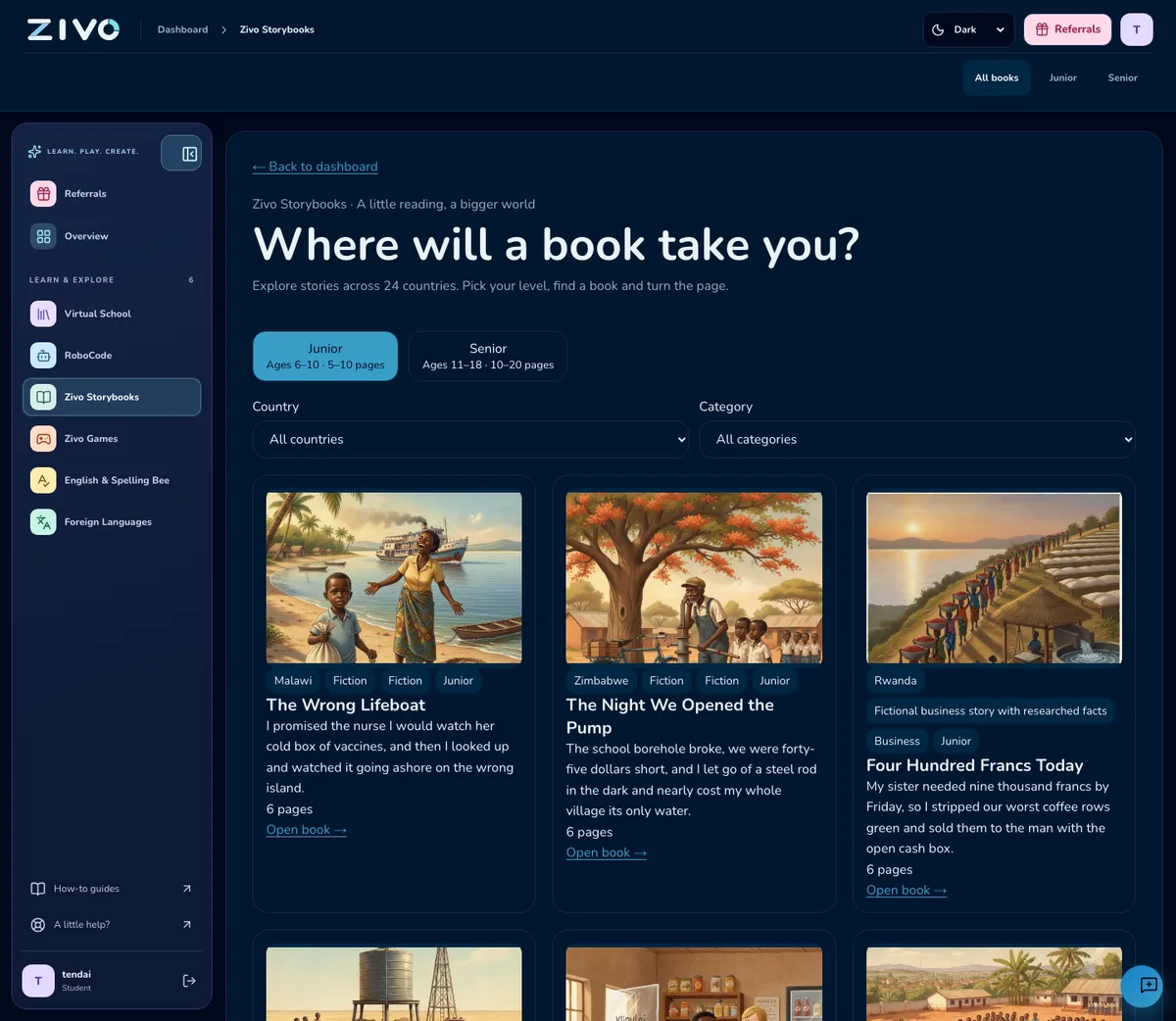
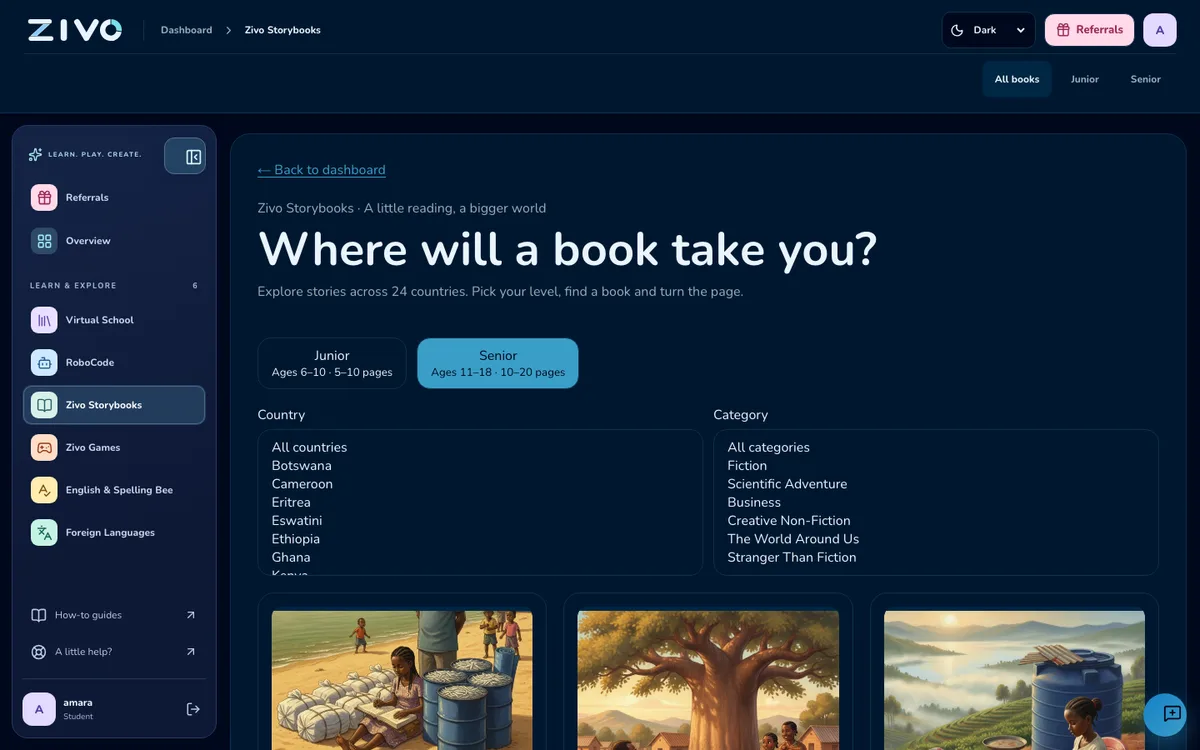
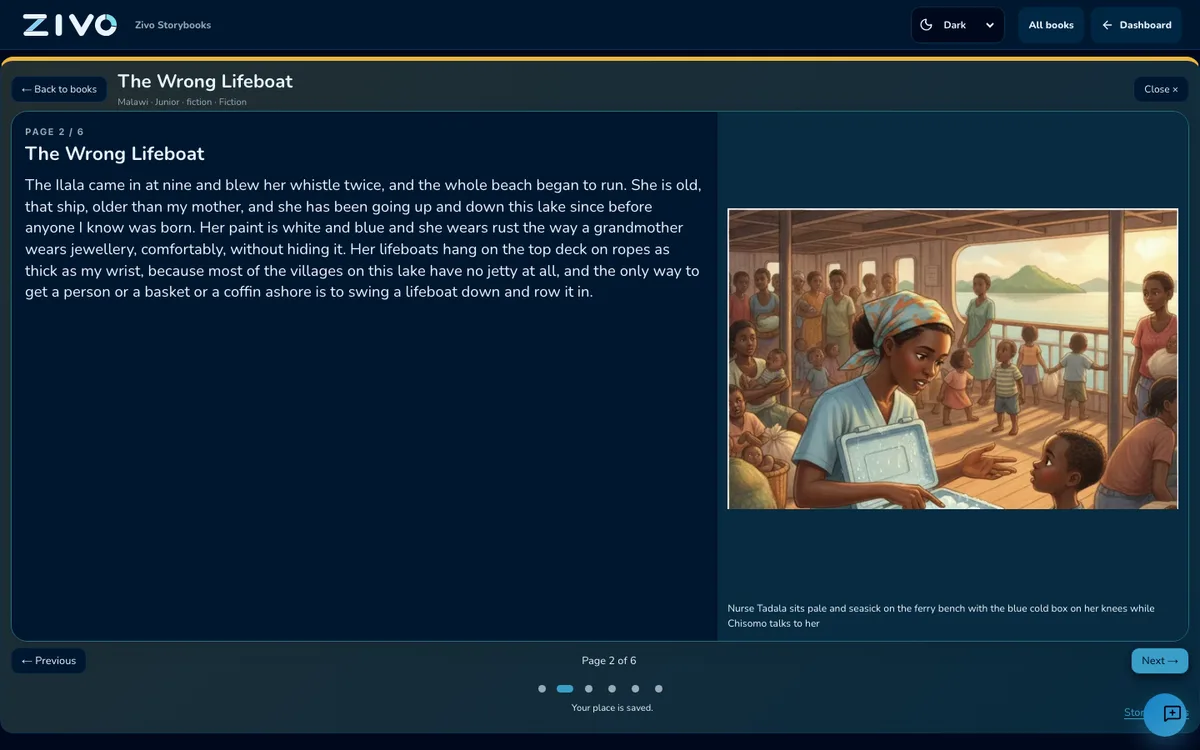
Read the page text beside the picture. Press Next → to turn the page and ← Previous to go back. You can also use the dots, or the left and right arrow keys.
zivo.cloud/storybooks
Reading a book
Look for the line "Your place is saved." If it says your place will save after the picture loads, wait a moment, or press Save this page.
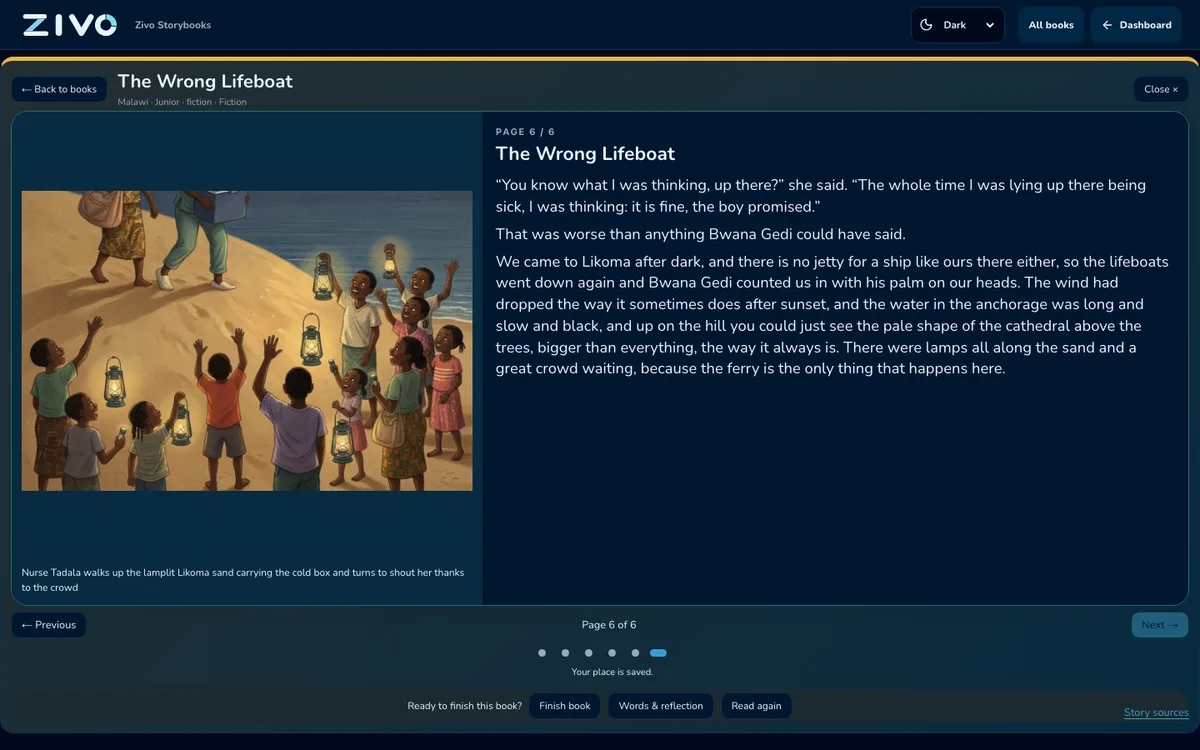
On the last page, read Words to take with you. Press Story sources to see where the story and its pictures come from, then Close sources.
zivo.cloud/storybooks
The last page of a book
Press Finish book. It works once you have visited every page.
Press Read again to start over, or ← Back to books to return to the shelf.